Sovereign Realms Encyclopedia142 articles about the Sovereign Realms mod · Community forum
Category: Getting Started
Your first hours, installing the mod, servers and the game's interface.
This category holds 11 articles.
Overview
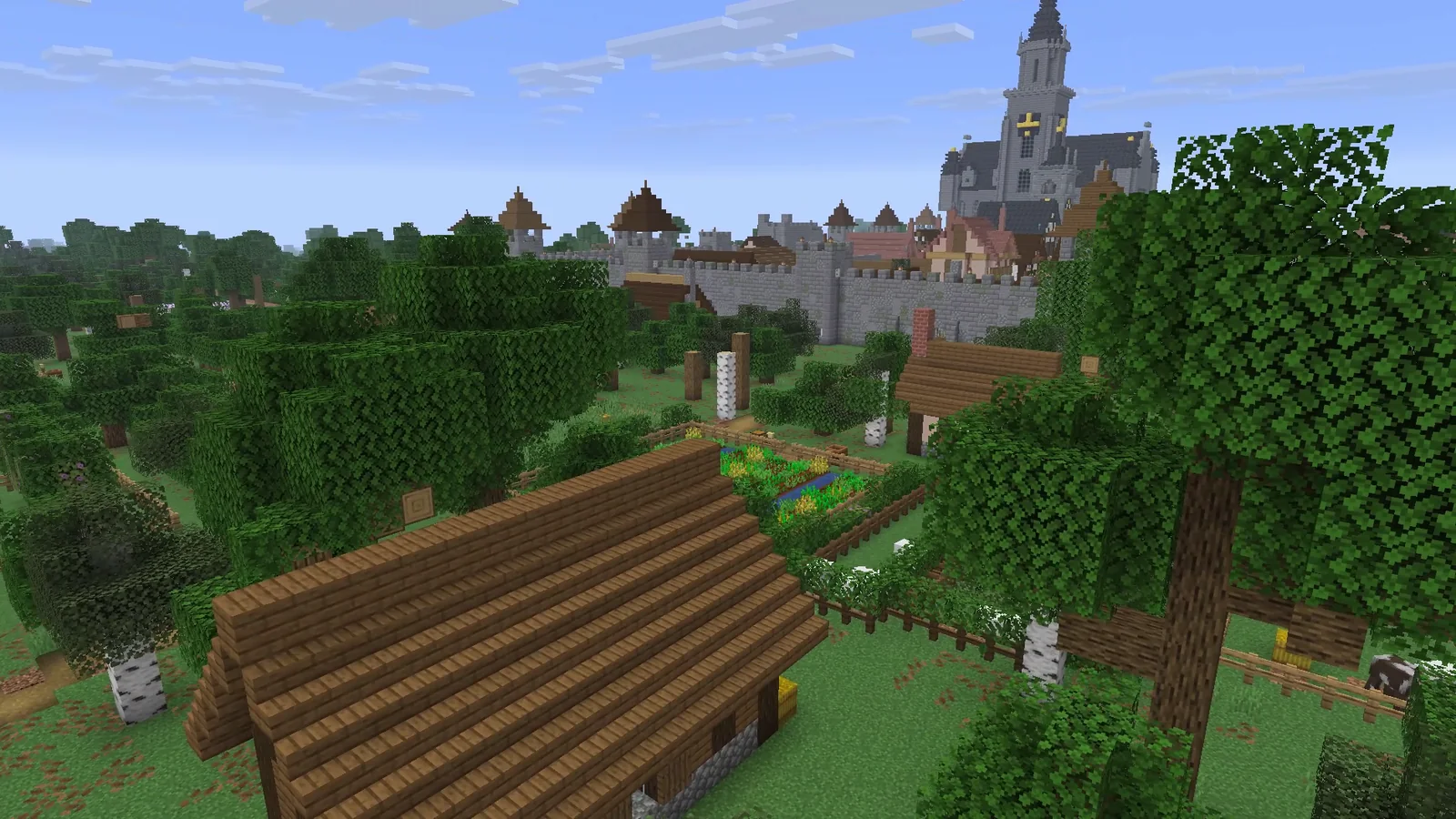 Catch-up SimulationTowns nobody is near go on in the background and, when you come back, live the days they missed against their real stores; the briefing tells you what happened.
- CommandsEvery command a player can type in Sovereign Realms, grouped by purpose, and the commands for server operators.
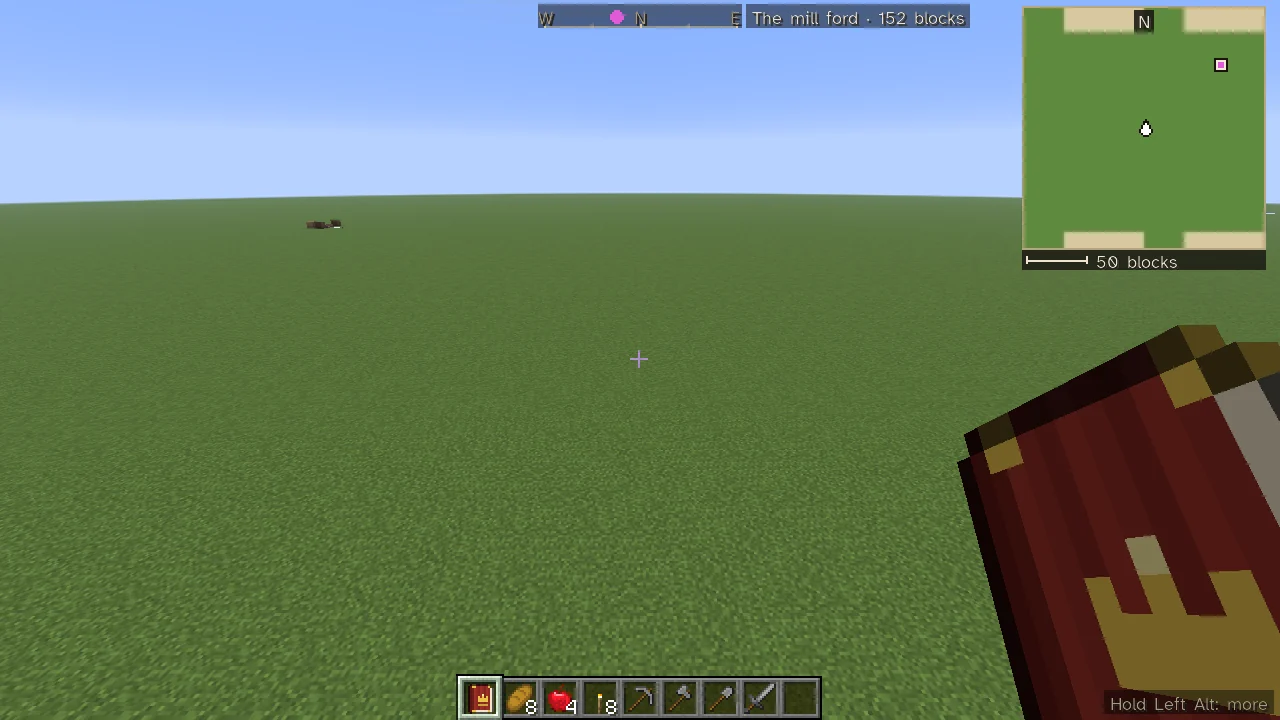 Controls and Key BindingsEvery key binding the mod adds, with its default key; where its notices stand on the screen and Hold Left Alt; and the keys inside its screens.
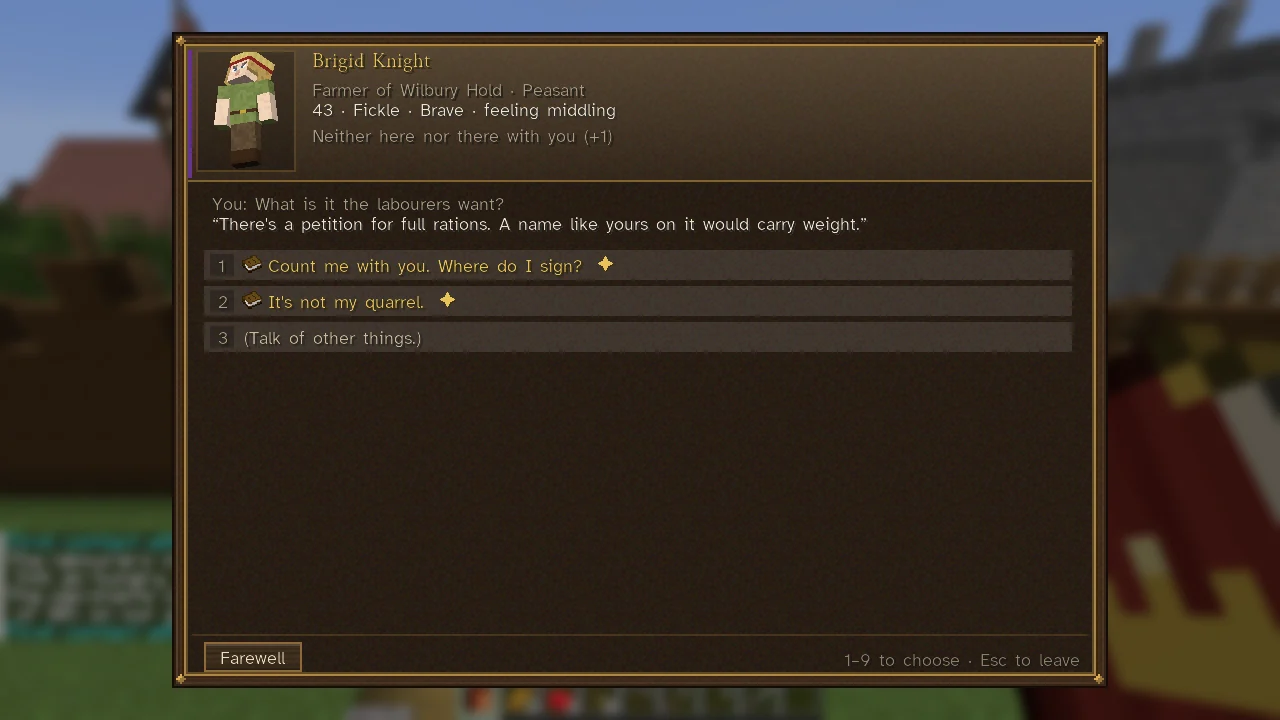 Counsel and Language ModelsCounsel is the optional link to language models: townspeople's own words, foreign rulers' letters and councils, and your steward. The simulation still decides everything.
- Getting StartedA step-by-step guide to your first hour: arriving in a town, the Companion, work and crowns, a homestead of your own, and the ways to a realm.
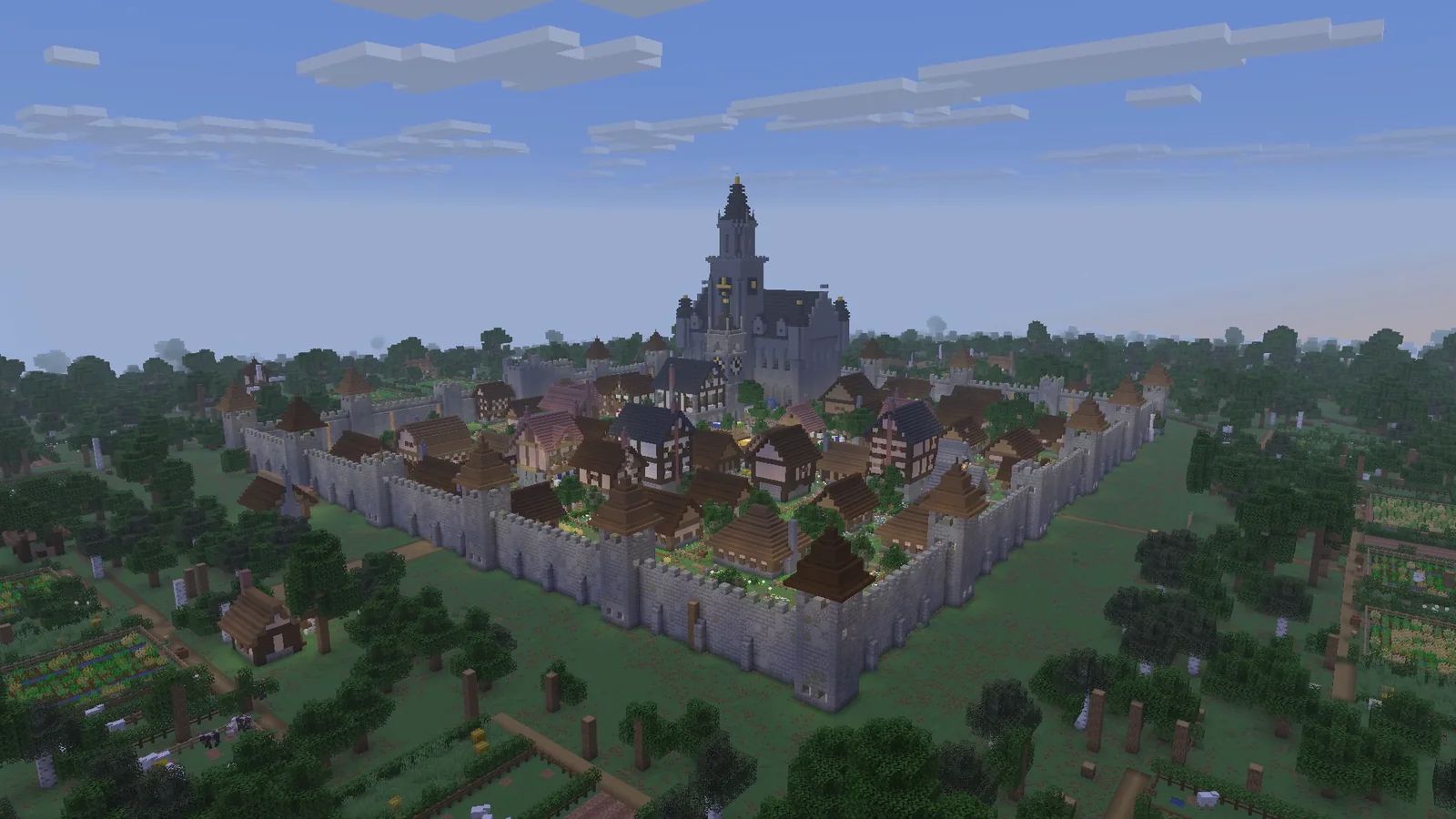 Hosted ServersThe site's hosting for Sovereign Realms: plans, how a server sleeps and wakes, the whitelist, console, backups and the language-model allowance.
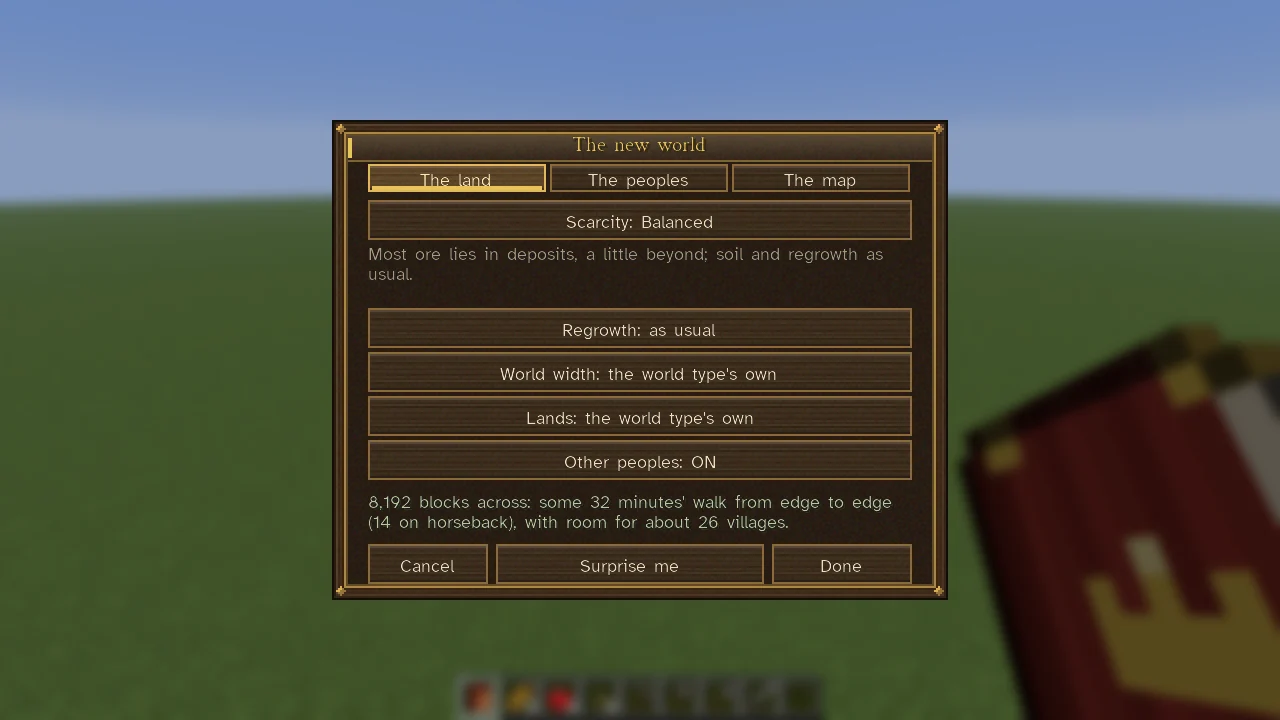 Installing Sovereign RealmsWhat you need to run the mod, how to install it with a launcher profile or by hand, which world type to choose, and how to join or host a server.
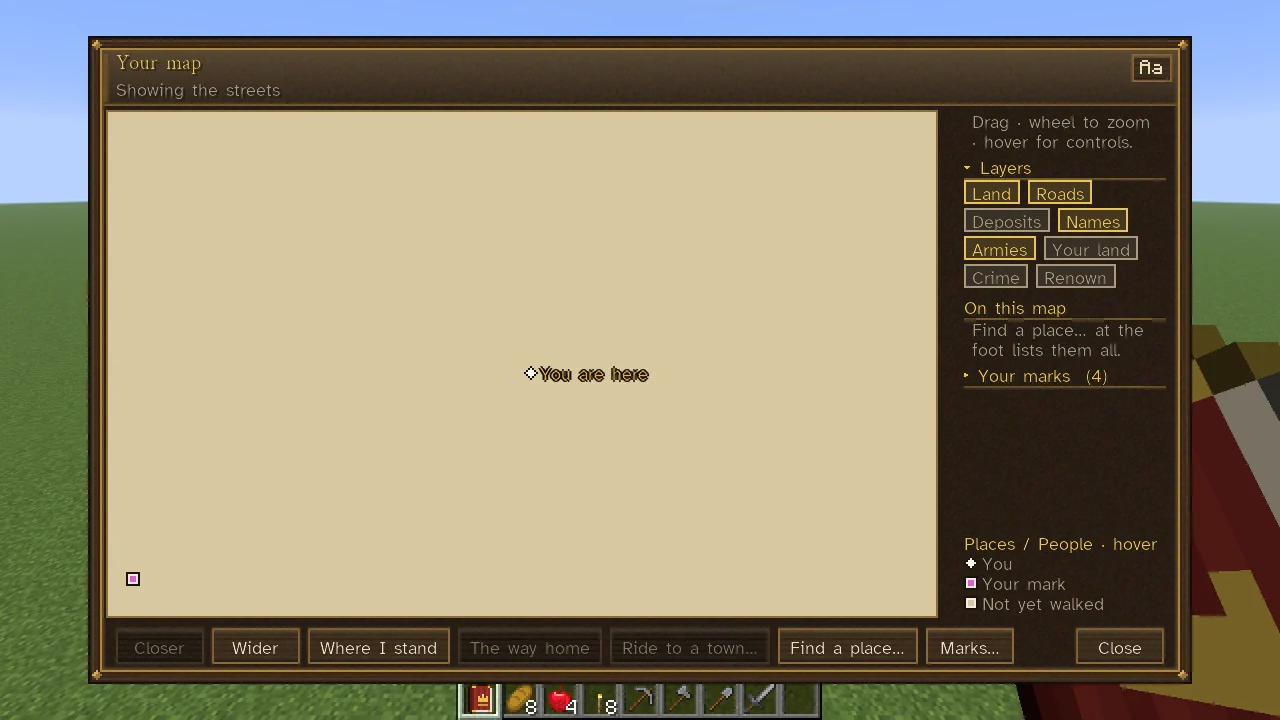 Maps, the Corner Map and the CompassYour map shows only what you have learned: land walked, towns heard of, maps bought and your own marks, with layers you turn on and off.
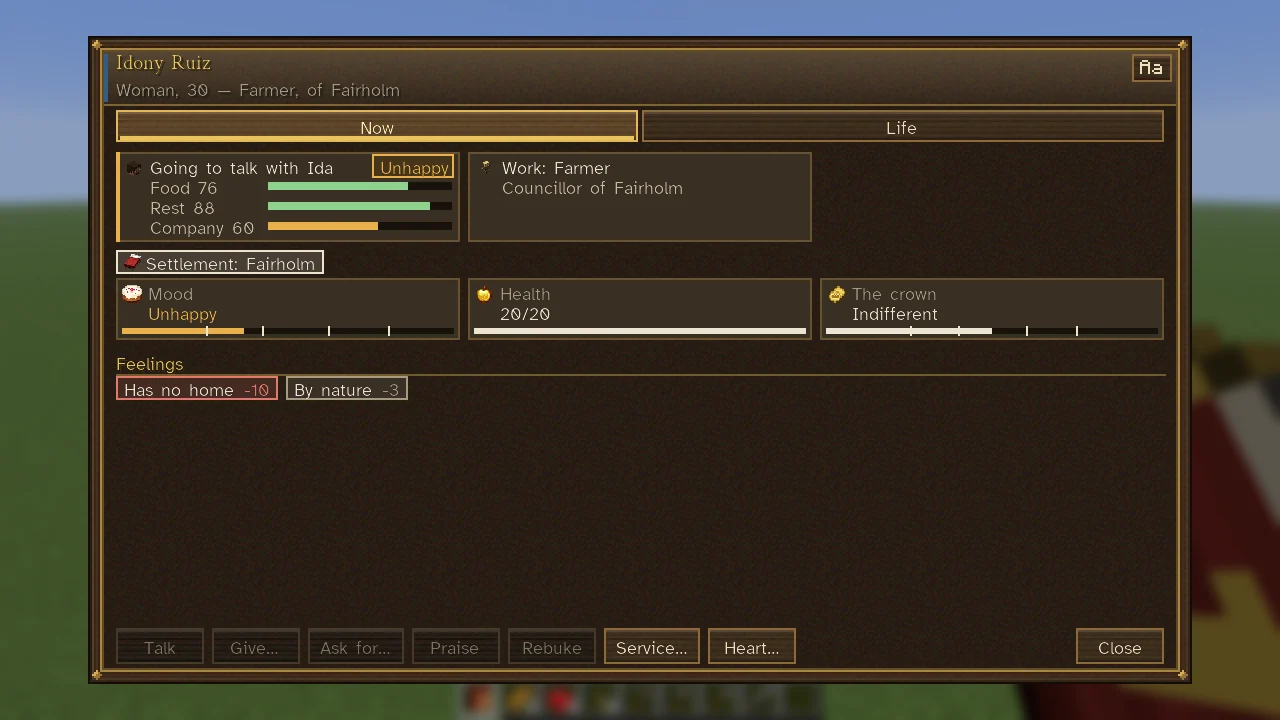 SheetsHow the game's interface works: people, towns, buildings, your own page and the Command Table open as sheets of tiles, cards, chips, folding sections and hovers.