Surveyor's Stakes
DiscussFrom the Sovereign Realms Encyclopedia
The Surveyor's Stakes mark a work area: the ground (or water) that a farm, pasture, lumber camp, quarry, fishery, mine or similar building works. You stake two opposite corners of a rectangle, then use the stakes on the building's marker block to assign the area to it.
Crafting


A shapeless recipe: two sticks, a red dye and a string.
Marking an area
- Use the stakes on a block at one corner of the area. The message reads "First corner staked at ...".
- Use them on the block at the opposite corner. The message reads "Area staked: 12×10 (3 tall). Use the stakes on a work marker to assign it." (with your own size).
- Use the stakes on the building's marker block (the scarecrow, the quarry cairn, and so on). The area is set and the corners are cleared from the stakes.
While you hold the stakes, the box you are staking is outlined on the ground with dust: green while only one corner is set (it follows you), gold once both are set. Work areas that already exist within 64 blocks are outlined too, your realm's in its own colour and other realms' in grey, with a post of light at each of the two corners the area was staked from.
To start over, sneak-use the stakes in the air: "Stakes pulled up." If you stake a third corner after a complete pair, the stakes begin a new area.
Which buildings use them
| Building | Marker | Largest area (blocks a side) | Tallest area (blocks) |
|---|---|---|---|
| Farm |  Scarecrow | 24 | 5 |
| Pasture | 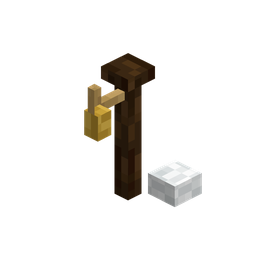 Shepherd's Post | 24 | 5 |
| Lumber Camp | 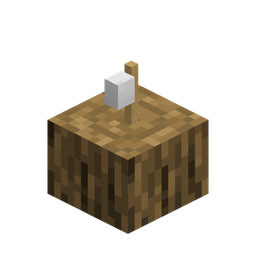 Woodcutter's Stump | 24 | 21 |
| Quarry |  Quarry Cairn | 16 | 33 |
| Fishery | 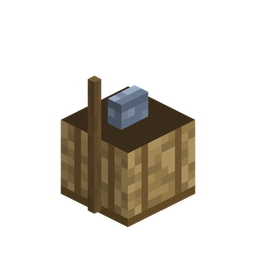 Fisher's Creel | 24 | 9 |
| Saltern | 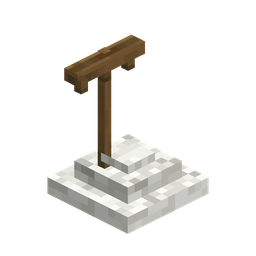 Salter's Rake | 20 | 5 |
| Sluice | 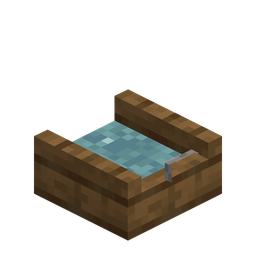 Panner's Sluice Box | 20 | 7 |
| Stable | 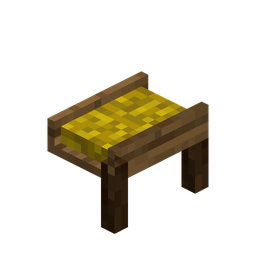 Stable Manger | 24 | 7 |
| Harbour |  Harbour Bollard | 24 | 9 |
| Mine |  Mine Windlass | 40 | 401 |
A farm's area has one block of headroom added to what you stake. A mine's workings are laid out from its windlass away from town on their own. See Buildings, Food, Granaries and Hunger, Prospecting and Mining, Salt and Harbours for what each does.
Rules for an area
The game refuses an area, and says why, when:
- It is larger than the building's limit (for example, "That area is 30×10; a farm can manage at most 24×24").
- It is taller than the limit.
- Its centre is more than 64 blocks from the marker (counting the distance across and up added together).
- It overlaps the work area of a different kind of building in the same town ("That area overlaps the Quarry's work area."). A harbour or fishery on the water may overlap a farm, wood, quarry, mine or pasture on the shore.
- It takes in a walled building ("Mark it clear of buildings").
- It overlaps the work area of a building of another town, or lies on land another realm holds.
A farm's fields are best placed within four blocks of water: ground is tilled only that near, and dry fields grow slowly. The farm's sheet says so if there is no water in or beside the fields.
A field raised from a plan by the town's builders is worked from the day its ground and water channels are laid; if the town has no wood for its hedge and gate, they are left for a repair once it has. Where the stores hold no scarecrow for it, the builders make one by hand of four planks or four stones. See Construction.
Authority
You may assign an area only to a building of your own realm and only if your rank may manage buildings (the Sovereign, Stewards and Marshals). Otherwise: "You have no authority over this ...". See Citizenship and Ranks.
From the city view
In the The City View, the Zones mode does the same without stakes: click a building that keeps a work area, then drag across the ground.